Virtually stage unit photos without leaving AppFolio.
UnitStager is a browser extension that adds a Stage button to every photo on your AppFolio unit pages. Click it, review the furnished version, and it replaces the original for you.
Add to ChromeWorks in Chrome and Edge. Free staged photos when you sign up.
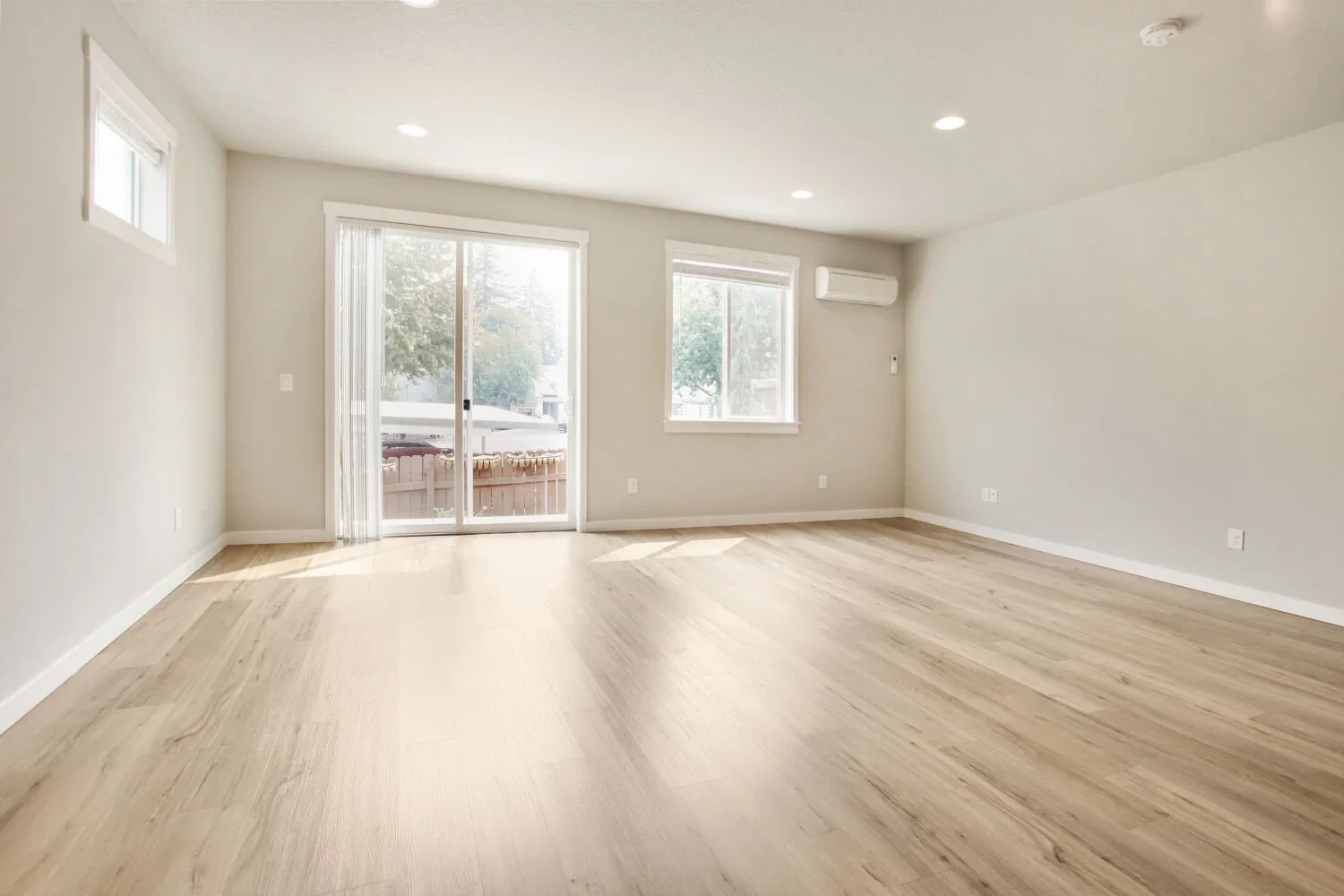
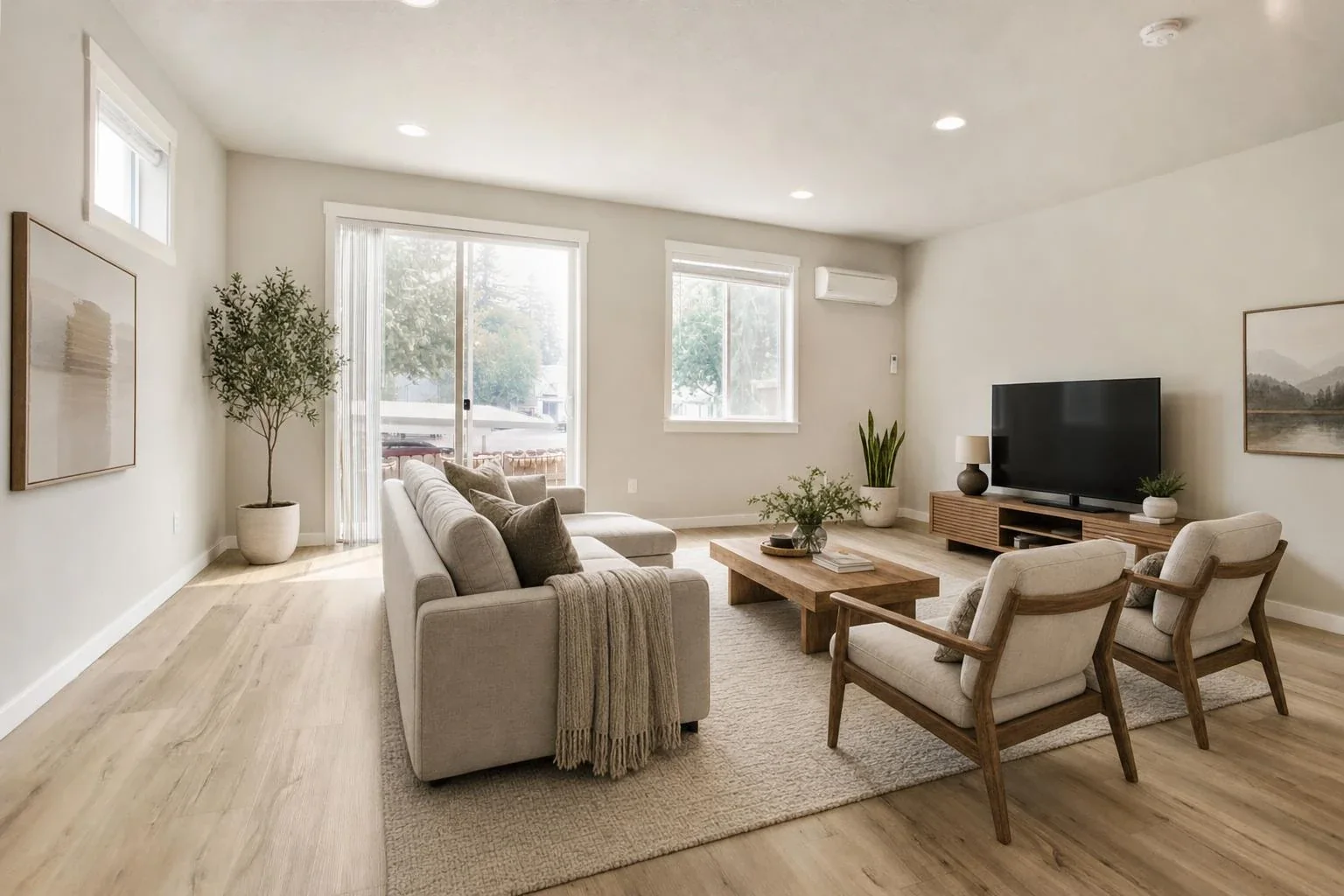
Same room, same walls, floors and windows. Only the furniture is added.
How it works
Click Stage on a photo
Pick a room type and style, or type what you want: “sectional facing the window, warm neutrals”.
Compare before and after
In about a minute you see both side by side. Not right? Adjust and regenerate.
Replace in one click
The staged photo is uploaded to the unit and the original is removed. A copy of the original is saved to your computer first.
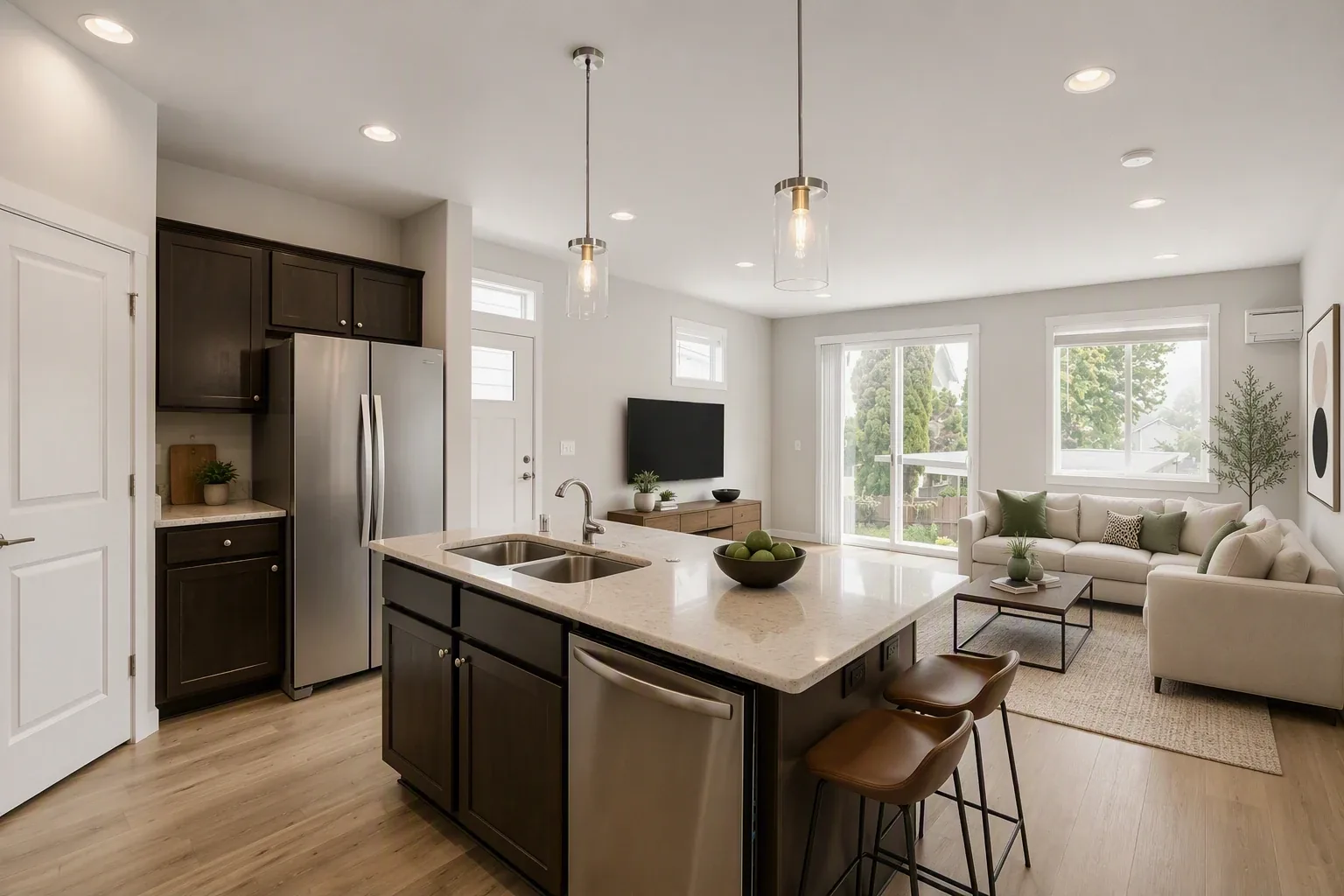
Built for unit turns
Stage new uploads too
Uploading a fresh set? Tick the empty rooms and they are staged before they ever reach AppFolio.
The room stays the room
Furniture is added; walls, floors, windows and fixtures are left as they are, so the photo still shows the real unit.
Disclosure built in
Optionally stamp “Virtually staged” on each photo to meet listing-site and advertising rules.
Pricing
Pay per photo
One credit per staged photo. Credits don't expire, and a failed staging is refunded automatically.
Sign up and buy credits from the extension's settings page. Optional auto top-up buys your chosen pack again when you're nearly out, so a turn never stalls; switch it off any time.